Manage Reservations
| ➢ | To manage a reservation: |
| 1. | Activate RX-PANEL and tap Manage. |
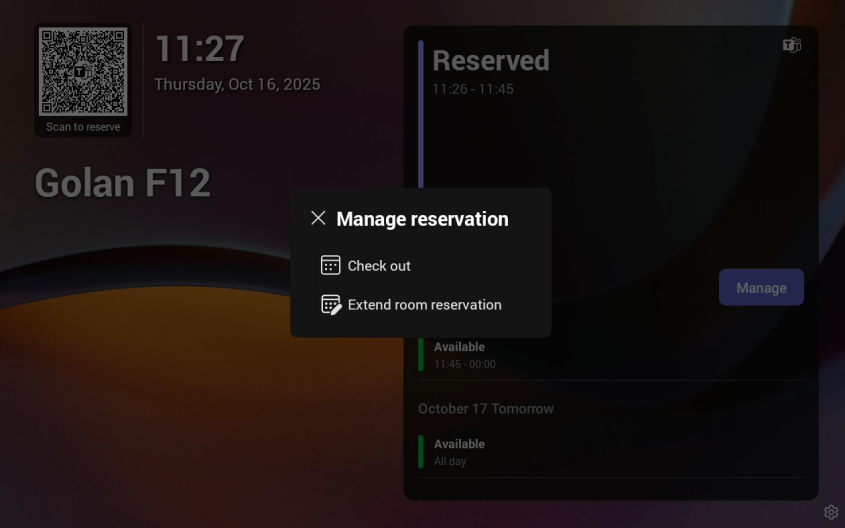
| 2. | Tap Check out and in the verification prompt, tap Check out; this ends your room reservation. |
| 3. | Optionally, tap Extend room reservation. |
| 4. | Choose the end time and then tap Reserve. |